Working from home has become a permanent part of modern life for millions of people around the world. Whether you are a remote employee, freelancer, entrepreneur, or student attending online classes, having a well-designed home office can significantly improve your productivity, focus, and overall well-being. A thoughtfully organized workspace does more than simply hold your computer—it creates an environment that encourages creativity, minimizes distractions, and supports your physical health throughout long workdays. While many people initially worked from kitchen tables or couches, they quickly discovered that an intentional office setup makes a noticeable difference in both work quality and daily comfort. Investing time into creating the perfect home office is one of the smartest decisions you can make for long-term success.
Choose the Right Location
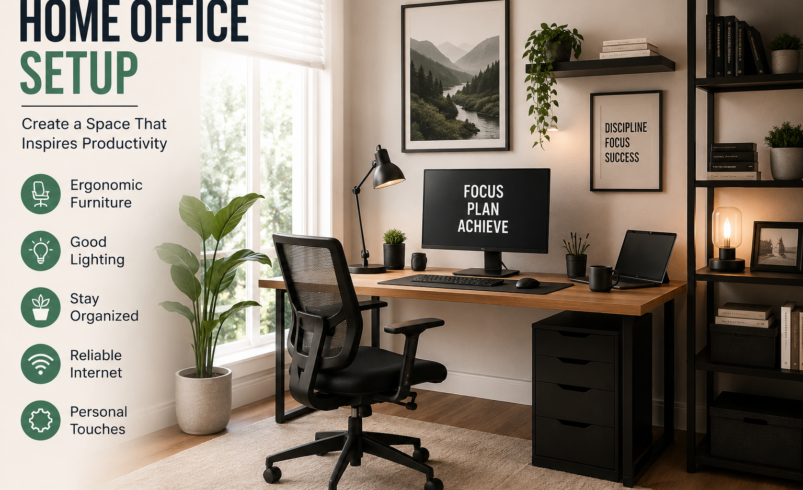
The first step in creating an effective home office is selecting the ideal location. If possible, dedicate an entire room exclusively to work. A separate office helps establish boundaries between your professional and personal life, making it easier to stay focused during work hours and disconnect at the end of the day. However, not everyone has an extra room available. In smaller apartments or shared homes, you can create a productive workspace by using a quiet corner of your bedroom, living room, or even a converted closet. The key is choosing a location with minimal distractions, sufficient natural light, and enough space for your essential equipment. A consistent workspace also helps train your brain to associate that area with productivity and concentration.
Invest in an Ergonomic Chair
One of the most important pieces of any home office is an ergonomic chair. Sitting for long hours in an uncomfortable chair can lead to back pain, neck strain, poor posture, and reduced productivity. An ergonomic chair supports the natural curve of your spine and allows you to adjust the seat height, lumbar support, armrests, and backrest for maximum comfort. Your feet should rest flat on the floor, your knees should form a 90-degree angle, and your elbows should align comfortably with your desk. While ergonomic chairs may seem expensive initially, they are a valuable long-term investment in your health and work performance.
Select the Perfect Desk
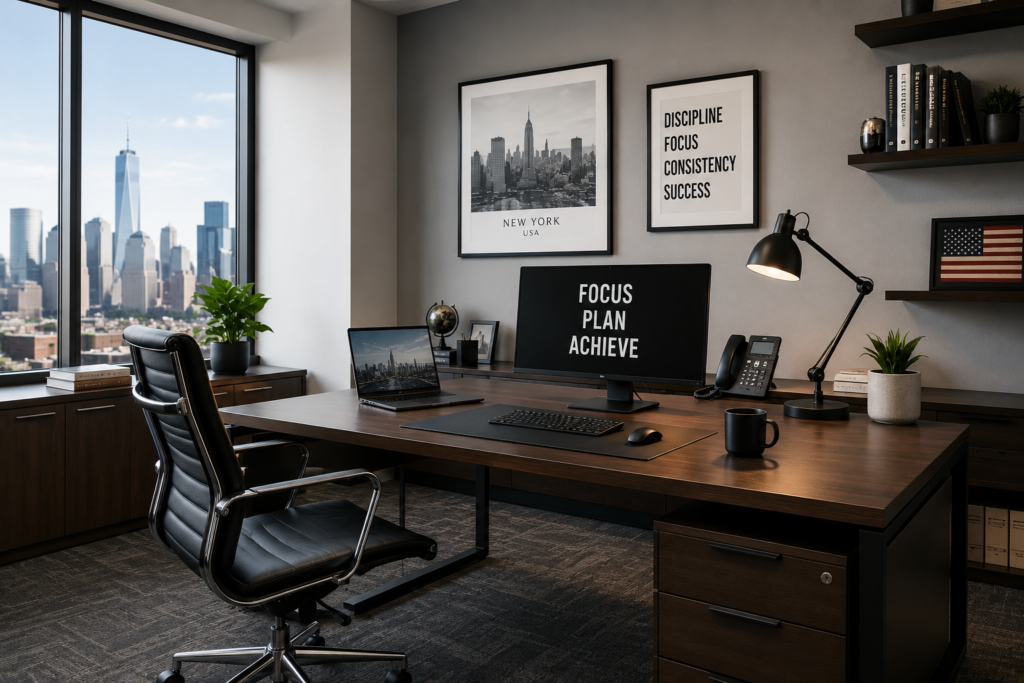
Your desk serves as the foundation of your workspace. It should provide enough surface area for your computer, keyboard, notebook, and any additional equipment you regularly use. Choose a desk that fits comfortably within your available space while leaving room to move freely. Standing desks and adjustable sit-stand desks have become increasingly popular because they allow users to alternate between sitting and standing throughout the day. This flexibility can reduce fatigue, improve circulation, and decrease the health risks associated with prolonged sitting.
Optimize Your Monitor Position
Proper monitor placement plays a major role in preventing eye strain and maintaining healthy posture. Position your monitor so the top of the screen sits at or slightly below eye level, approximately an arm’s length away from your face. If you frequently work with multiple applications, adding a second monitor can significantly improve efficiency by reducing the need to constantly switch between windows. Laptop users should consider using a laptop stand combined with an external keyboard and mouse to achieve a more ergonomic working position.
Improve Lighting for Better Productivity
Lighting directly affects both productivity and eye comfort. Whenever possible, place your desk near a window to maximize natural light. Natural daylight helps reduce eye fatigue, boosts mood, and supports healthy sleep patterns by regulating your body’s internal clock. Avoid positioning your monitor directly in front of or behind a window to minimize screen glare. Supplement natural light with adjustable LED desk lamps that provide bright, even illumination without creating harsh reflections.